 4:46
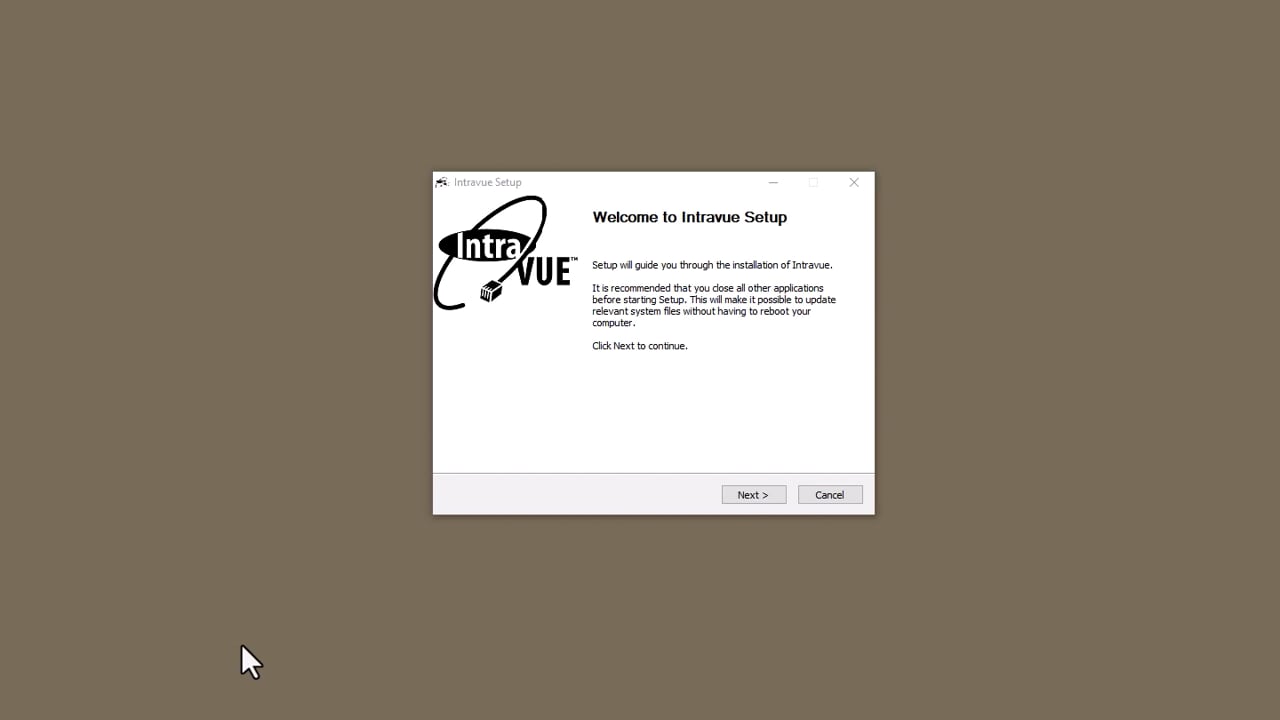
4:46 Install and Register IntraVUE
Install IntraVUE, then register it: enter your product key and key code on the registration site to get your registration and service contract codes.
Transcript & details →
Videos & Training
Practical video resources to get you productive with IntraVUE™ and the Network Health Monitor.
4:46 Install IntraVUE, then register it: enter your product key and key code on the registration site to get your registration and service contract codes.
Transcript & details → 5:53
5:53 After registration: set up SNMP, choose the scanner speed, and add the local network to be scanned with its top parent and scan ranges.
Transcript & details → 5:32
5:32 How the IntraVUE scanner discovers devices and managed switches, and how its ping and SNMP cycles work, to help you understand IntraVUE better.
Transcript & details →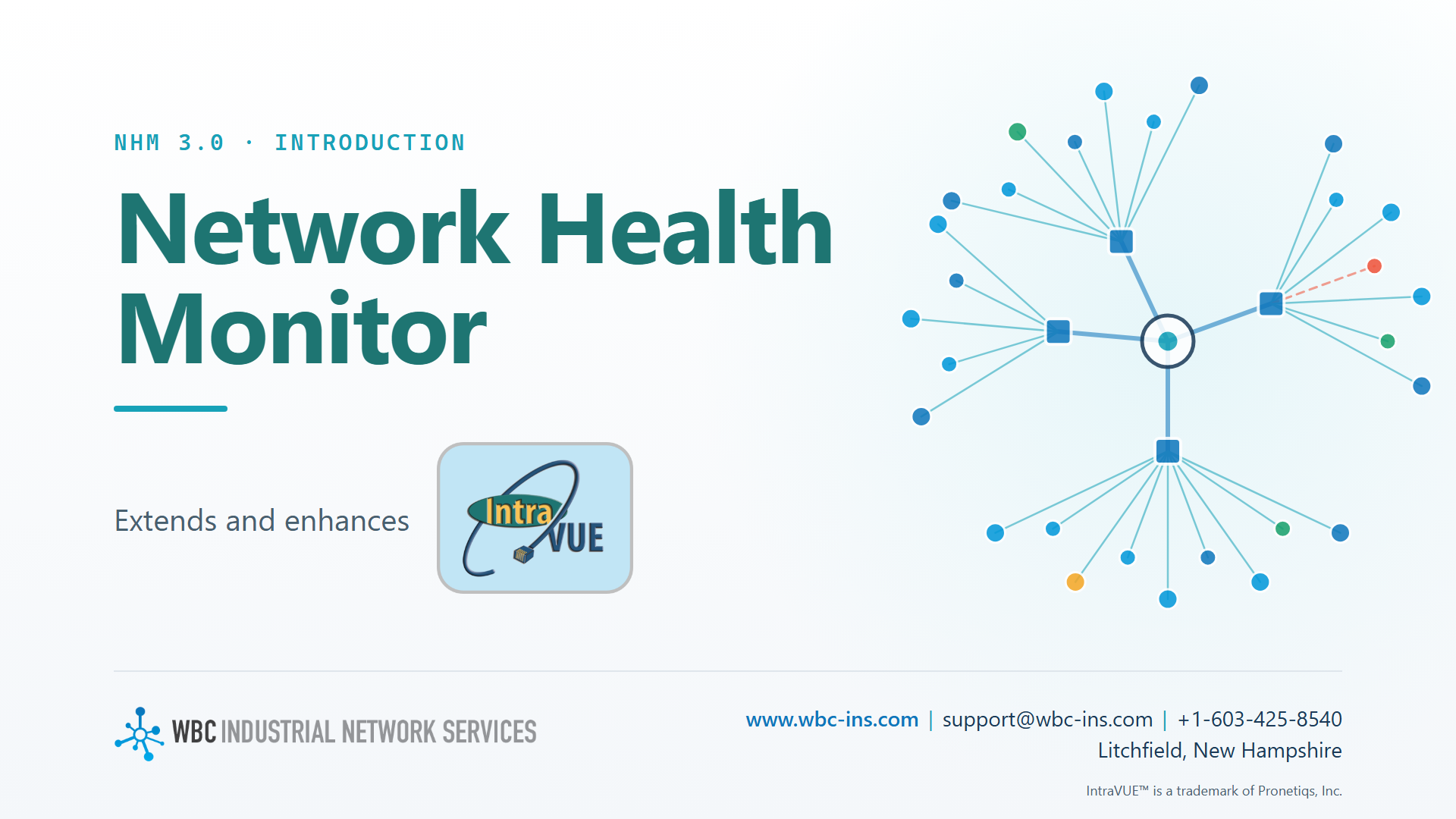 6:34
6:34 The WBC Network Health Monitor extends IntraVUE with 20+ automatic alarms and warnings, added topology maps, vector Plant View, VLAN health, and PDF reports.
Transcript & details →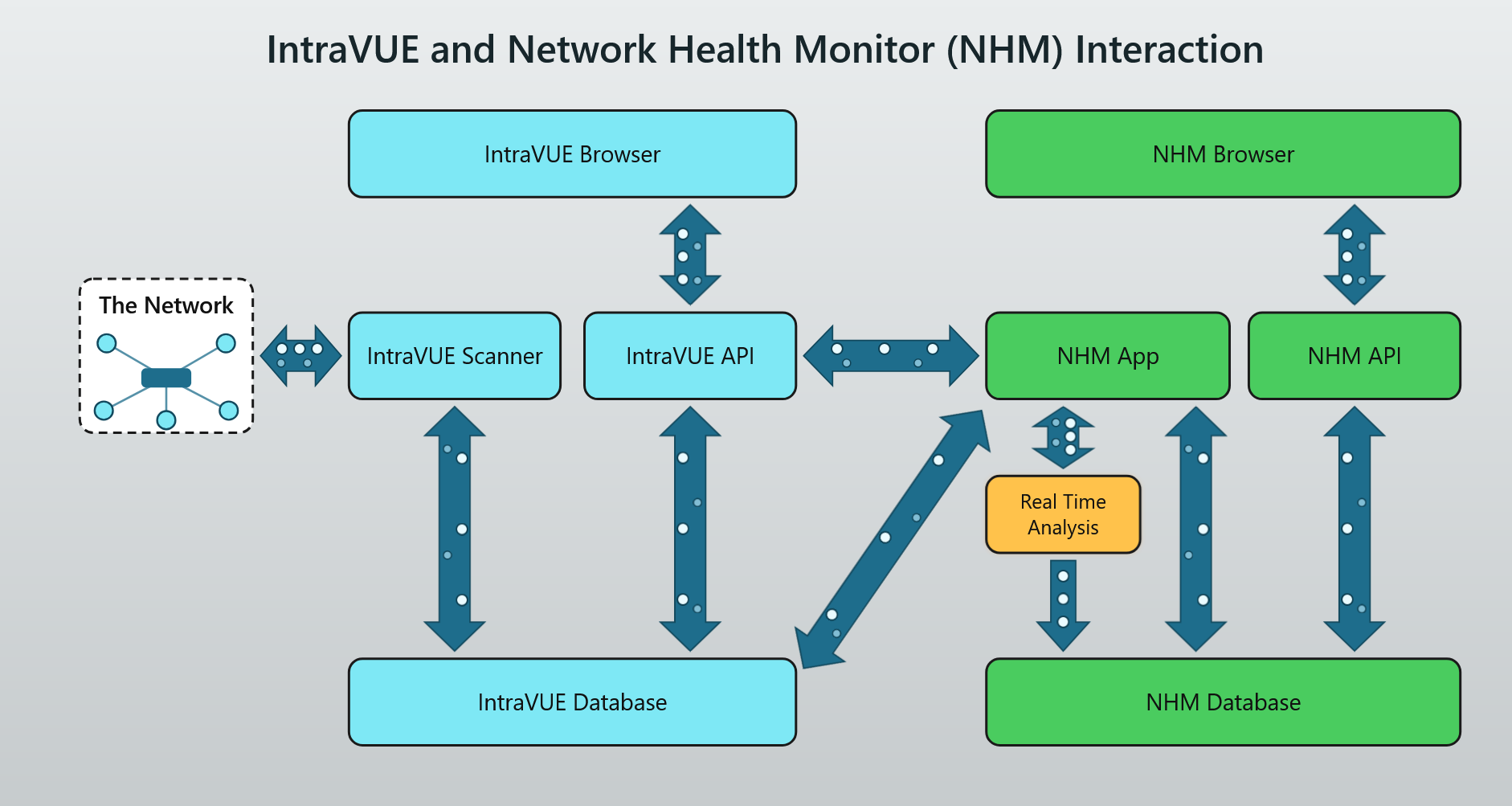 1:27
1:27 An animated look at the data path: IntraVUE scans the plant network into its database, and the Network Health Monitor analyzes that data to raise alarms.
Transcript & details →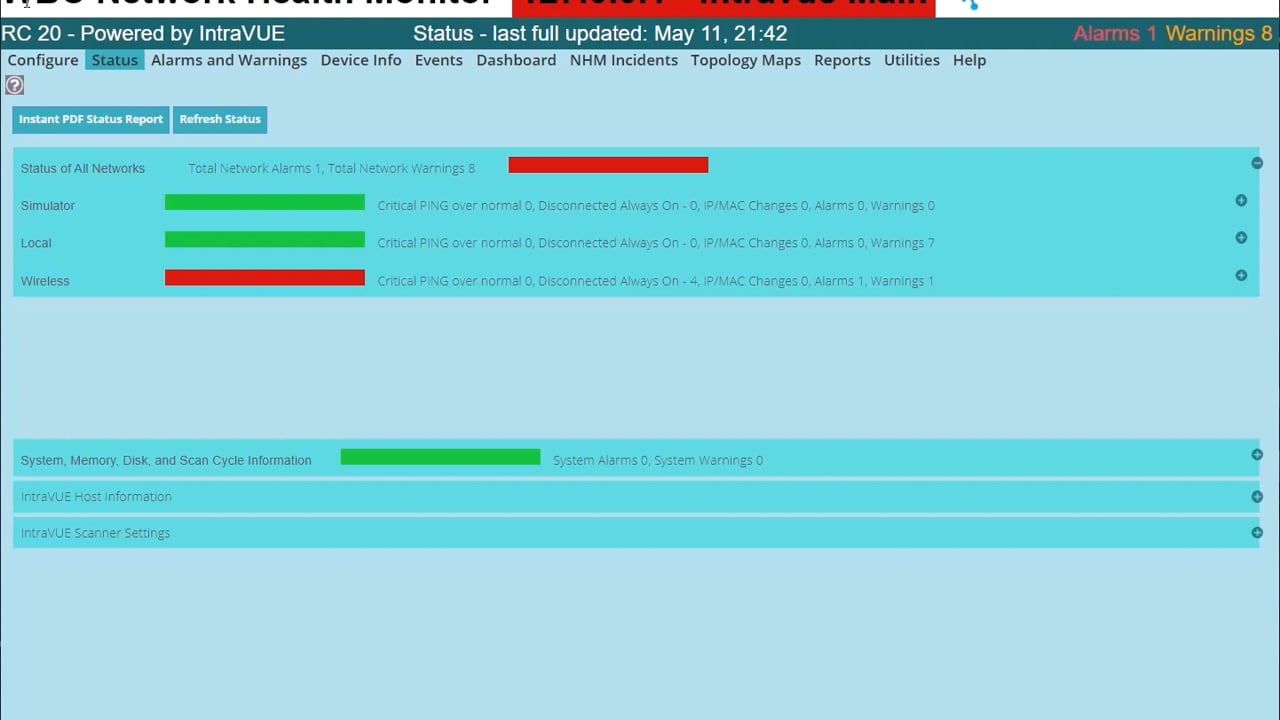 4:53
4:53 The Status Page is the main indicator of the health of your IntraVUE networks. This video explains every element of the Status Page.
Transcript & details →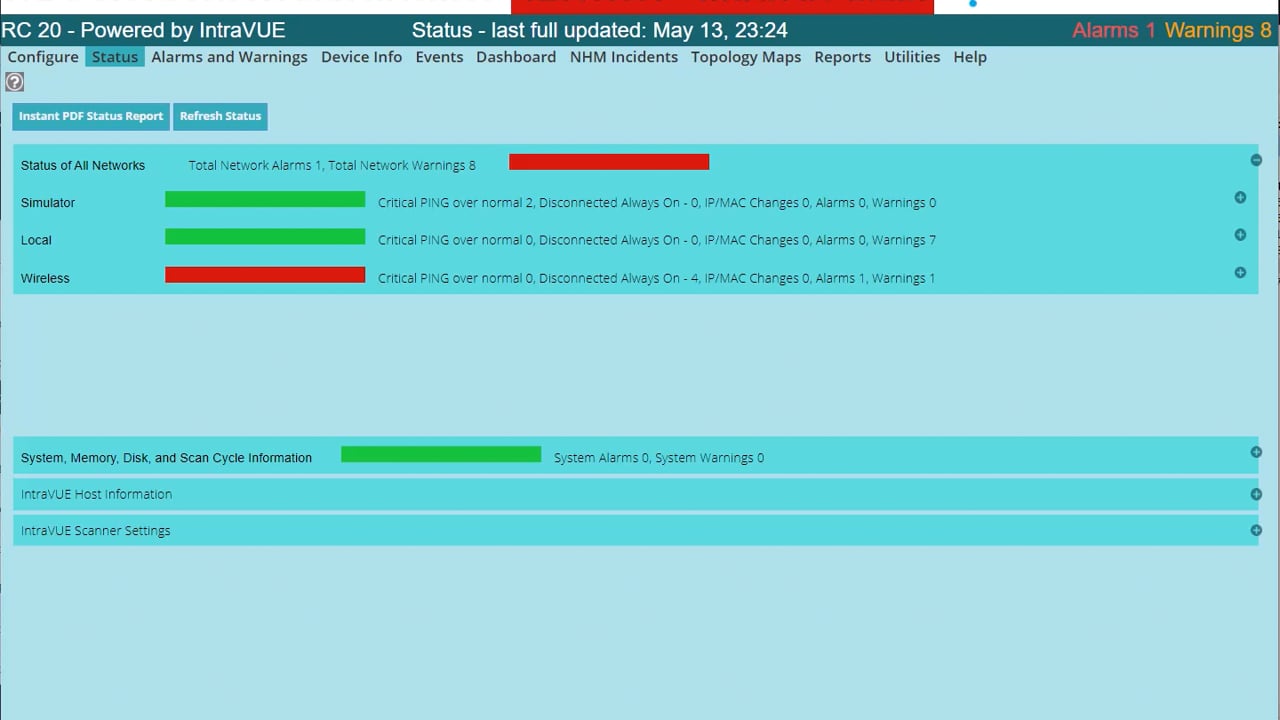 6:02
6:02 Generate an instant PDF status report from the Status Page, with much more detail on the health of the network. The report is also generated and emailed daily.
Transcript & details →More videos and training to be added soon.